
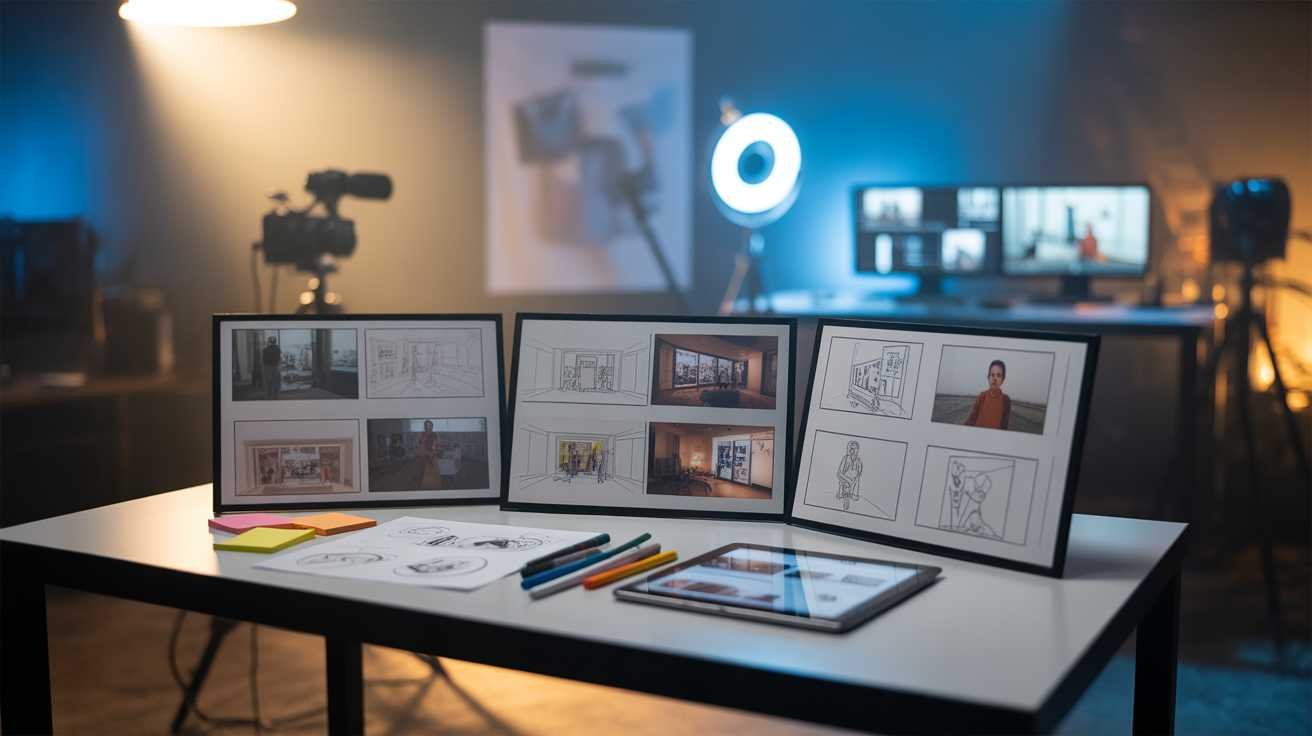
In the fast-paced world of multimedia production, where deadlines loom and expectations soar, the pressure to deliver compelling content is relentless. Every second counts, every frame matters. Without a clear roadmap, projects can spiral into chaos, leading to missed opportunities and squandered resources. Enter storyboarding – a powerful tool that transforms abstract ideas into tangible visuals, guiding creators through the labyrinth of production with precision and purpose.
Imagine embarking on a journey without a map. The uncertainty, the detours, the constant questioning of direction. This is the reality of multimedia projects without storyboarding. Storyboarding provides that essential map, outlining each scene, shot, and transition, ensuring that every element aligns with the overarching vision. It’s not just about planning; it’s about crafting a narrative that resonates, engages, and delivers impact.
But why is storyboarding so crucial? In an industry where time is money, efficiency is paramount. Storyboarding streamlines the creative process, reduces costly revisions, and fosters collaboration among team members. It bridges the gap between concept and execution, ensuring that the final product mirrors the initial vision. Without it, projects risk losing coherence, quality, and, ultimately, audience engagement.
For those unfamiliar with the intricacies of multimedia production, the concept of storyboarding might seem daunting. However, embracing this practice can be the difference between a successful project and a missed opportunity. In this article, we’ll delve into the strategies for effectively using storyboarding to plan and execute multimedia projects, ensuring that your creative endeavors not only meet but exceed expectations.
Understanding the Power of Storyboarding in Multimedia Projects
Storyboarding is more than just sketching scenes; it’s about visualizing the narrative flow, understanding pacing, and anticipating potential challenges. By laying out each scene in a sequence, creators can identify the emotional tone, camera angles, and transitions, ensuring a cohesive and engaging story. This foresight allows for better resource allocation, timely adjustments, and a unified vision among all team members.
Consider a scenario where a director embarks on a film shoot without a storyboard. The result? Disjointed scenes, inconsistent pacing, and a final product that fails to captivate the audience. Storyboarding mitigates these risks by providing a clear blueprint, aligning the team’s efforts towards a common goal. It’s the difference between navigating blindfolded and charting a well-lit path.
Moreover, storyboarding serves as a communication tool, bridging the gap between different departments – be it the director, cinematographer, editor, or production designer. It ensures that everyone is on the same page, reducing misunderstandings and enhancing collaborative efforts. In essence, storyboarding is the glue that holds the multifaceted components of a multimedia project together.
Steps to Create an Effective Storyboard
Creating a storyboard involves several key steps, each contributing to the clarity and effectiveness of the final product. The process begins with understanding the script or concept, identifying the core message, and determining the visual style. This foundational work sets the tone for the entire project.
Next, break down the narrative into individual scenes or segments. For each scene, sketch the key frames, noting camera angles, movements, and transitions. Accompany these visuals with descriptions of dialogue, sound effects, and music cues. This detailed approach ensures that every aspect of the scene is accounted for, leaving no room for ambiguity.
Once the storyboard is drafted, review it with the team. This collaborative review process allows for feedback, identification of potential issues, and refinement of ideas. It’s an iterative process that hones the project’s vision, aligning it with the desired outcome.
Finally, keep the storyboard flexible. While it serves as a guide, the creative process may lead to new ideas and directions. Being open to adjustments ensures that the project evolves organically, maintaining its relevance and impact.
Digital Tools for Storyboarding: Enhancing Efficiency
In today’s digital age, traditional paper storyboards have evolved into dynamic digital formats. Tools like Storyboard That, Toon Boom Storyboard Pro, and StudioBinder offer intuitive platforms for creating, editing, and sharing storyboards. These tools provide features like drag-and-drop elements, customizable templates, and cloud storage, facilitating seamless collaboration and real-time updates.
Digital storyboarding also allows for the integration of multimedia elements, such as audio tracks and video clips, providing a more comprehensive preview of the final product. This multimedia approach enhances the storytelling process, offering a richer and more immersive experience for the team and stakeholders.
Moreover, digital tools enable easy revisions and version control, ensuring that the storyboard evolves in tandem with the project’s development. This adaptability is crucial in a fast-paced production environment, where changes are inevitable, and responsiveness is key.
Integrating Storyboarding into the Production Workflow
Storyboarding should not be a standalone activity but an integral part of the entire production workflow. From pre-production to post-production, the storyboard serves as a reference point, guiding decisions and actions. During filming, it helps maintain consistency in shots and sequences, ensuring that the vision is faithfully translated onto the screen.
In post-production, the storyboard acts as a roadmap for editing, aiding in the selection of shots, sequencing, and pacing. It ensures that the final edit aligns with the initial vision, preserving the narrative’s integrity and impact.
By embedding storyboarding into the production process, teams can anticipate challenges, streamline workflows, and enhance the overall quality of the project. It fosters a proactive approach, allowing for timely interventions and adjustments, leading to a more efficient and successful production.
Case Studies: Success Stories of Storyboarding in Action
Numerous successful multimedia projects have leveraged storyboarding to achieve their goals. For instance, the production of the blockbuster film ‘Avatar’ involved extensive storyboarding to visualize complex scenes and sequences, ensuring that the groundbreaking visual effects were seamlessly integrated into the narrative.
Similarly, in the realm of advertising, brands like Nike and Coca-Cola have used storyboarding to plan and execute compelling commercials that resonate with audiences. These storyboards allowed for meticulous planning of shots, pacing, and messaging, resulting in advertisements that are both visually stunning and emotionally engaging.
These case studies underscore the importance of storyboarding in achieving creative and production excellence. They demonstrate that with careful planning and visualization, even the most ambitious projects can be brought to fruition successfully.
Common Pitfalls in Storyboarding and How to Avoid Them
Despite its advantages, storyboarding is not without its challenges. One common pitfall is overcomplicating the storyboard with excessive details, leading to confusion and rigidity. To avoid this, focus on the essential elements that convey the scene’s essence, leaving room for creative flexibility during production.
Another challenge is neglecting to update the storyboard as the project evolves. As changes occur, the storyboard should be revised to reflect new directions and ideas. Regular updates ensure that the storyboard remains relevant and useful throughout the production process.
Additionally, failing to involve key team members in the storyboarding process can lead to misalignments and misunderstandings. Collaboration is crucial; involving directors, writers, designers, and other stakeholders ensures that the storyboard accurately represents the collective vision and serves as an effective guide.
Advanced Storyboarding Techniques for Complex Projects
For complex multimedia projects, advanced storyboarding techniques can provide additional clarity and direction. One such technique is the use of animatics – animated versions of the storyboard that incorporate timing, movement, and sound. Animatics offer a dynamic preview of the project, allowing for better visualization of pacing and transitions.
Another technique is the creation of interactive storyboards, which enable team members to navigate through scenes, make annotations, and provide feedback in real-time. This interactivity enhances collaboration and ensures that all aspects of the project are thoroughly considered and addressed.
Implementing these advanced techniques requires additional resources and expertise but can significantly enhance the planning and execution of complex projects, leading to more polished and cohesive final products.
The Future of Storyboarding in Multimedia Production
As technology continues to advance, the future of storyboarding is poised for innovation. Virtual reality (VR) and augmented reality (AR) are emerging as tools for immersive storyboarding experiences, allowing creators to visualize scenes in three-dimensional spaces and interact with elements in real-time.
Artificial intelligence (AI) is also making its mark, with algorithms capable of generating storyboards based on scripts or concepts, streamlining the initial planning phase. These technologies promise to further enhance the efficiency and creativity of multimedia production, offering new avenues for storytelling and project execution.
Embracing these technological advancements will be crucial for staying competitive in the ever-evolving multimedia landscape, ensuring that projects are not only executed efficiently but also push the boundaries of creativity and innovation.
